We are excited to announce the availability of the Screenleap for iOS app.
Screenleap App for iOS
The Screenleap for iOS app allows you to quickly share your screen or your camera to any device with a browser. Sharing is quick & easy: all you need to do is click a button to start sharing your screen or camera in seconds. Your viewers can see your screen or camera from any device with a browser (including PCs, tablets, and smartphones) without having to install any software. All they need to do is click on a link that you give them. To install the Screenleap for iOS app, please go to https://itunes.apple.com/app/id1233079037.
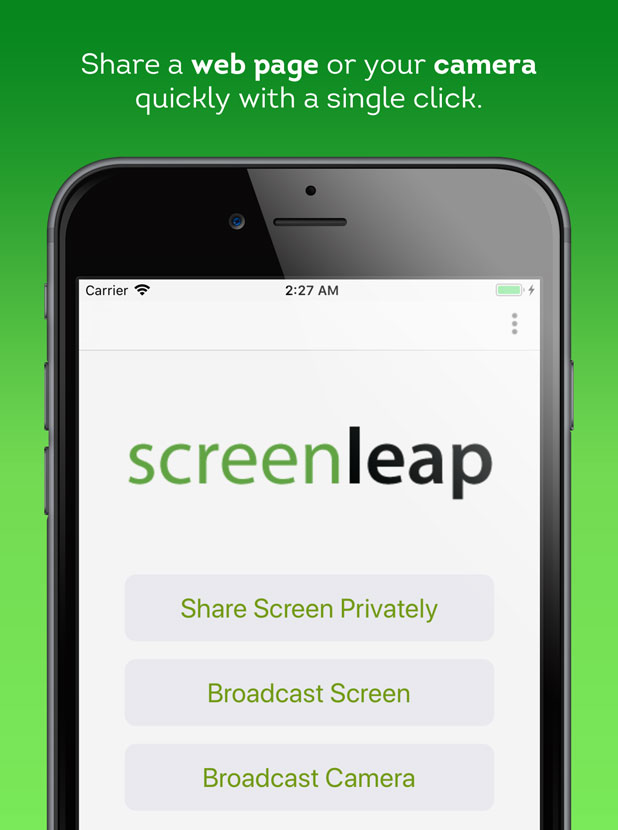
When sharing your screen, you will be able to navigate to any webpage or web-accessible document using the built-in browser. We do not currently support sharing outside of the Screenleap app due to limitations in the iOS platform.
Add Screen Sharing To Your iOS app
If you are interested in supporting screen sharing in your iOS app, you will be able to start doing so later this year using our MobileSDK. The MobileSDK will allow you to add support for screen sharing to your your app by simply including our MobileSDK library and implementing a few callbacks.
You will be able to add functionality like allowing your customers to share their screens with your support reps to get faster and better support when they are experiencing issues with your app. It can also be used to allow your sales reps to share your apps to prospective customers for sales presentations. Please contact us at support@screenleap.com if you would be interested in participating in the Early Access Program for the MobileSDK.